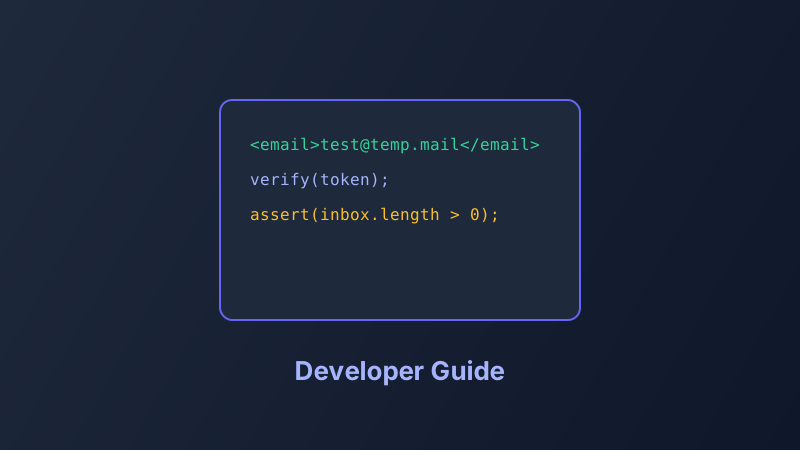
Email is still the backbone of user onboarding. Every sign-up flow, password reset, and billing notification needs testing — but flooding your personal inbox with test messages is a bad workflow.
Why developers use temp mail
- Create unlimited test accounts without email provider rate limits
- Verify HTML rendering of transactional emails in a real inbox
- Test attachment delivery and link tracking
- Isolate test data from production user accounts
Recommended testing workflow
- Generate a unique temp address per test case.
- Trigger the email from your staging environment.
- Confirm delivery time and content in our web inbox.
- Test edge cases: long subjects, unicode, large attachments.
- Delete the address and repeat with a fresh one.
Automation tip
For CI pipelines, combine temp mail with webhook or polling scripts that check for new messages programmatically. Keep test domains allowlisted in your staging mail server.